



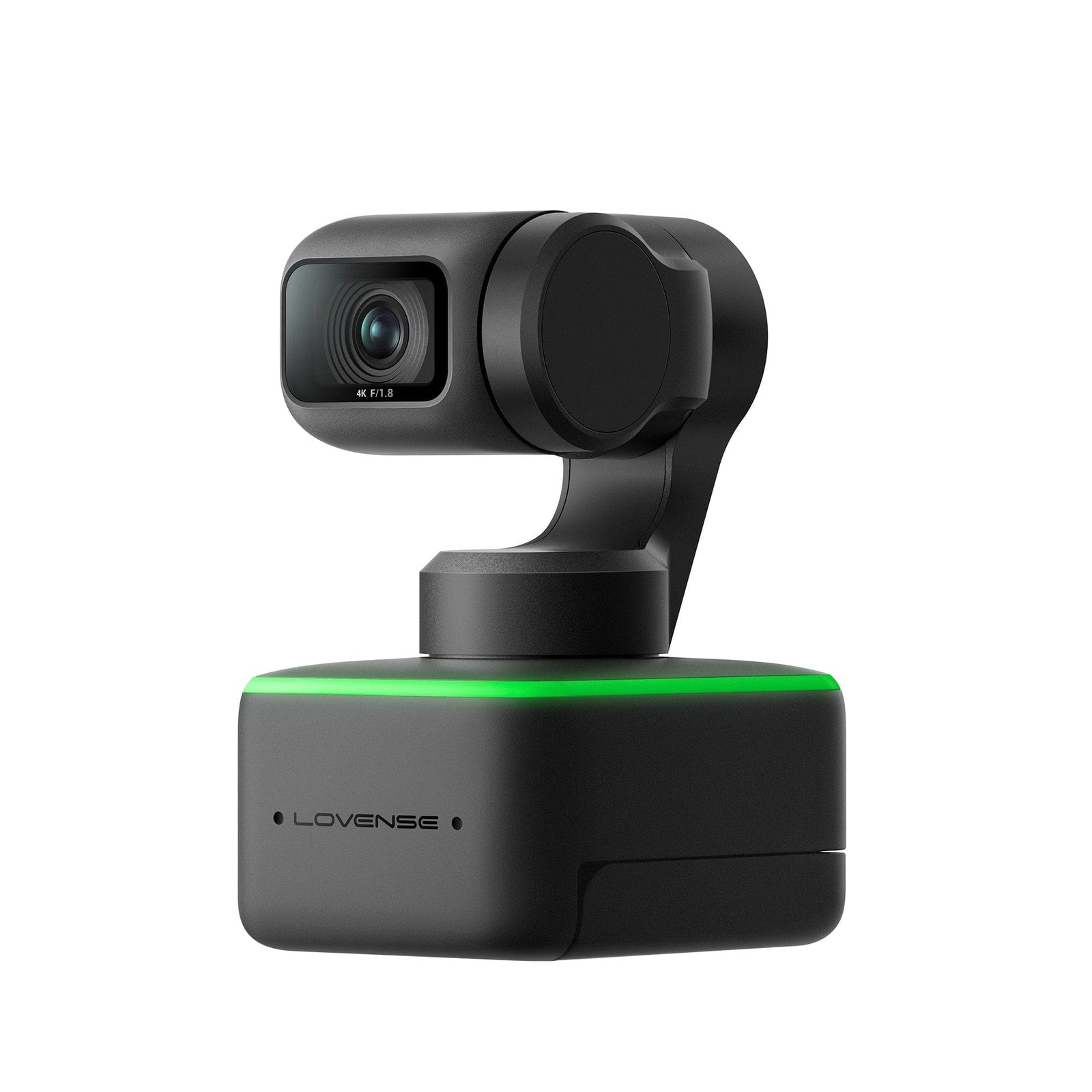


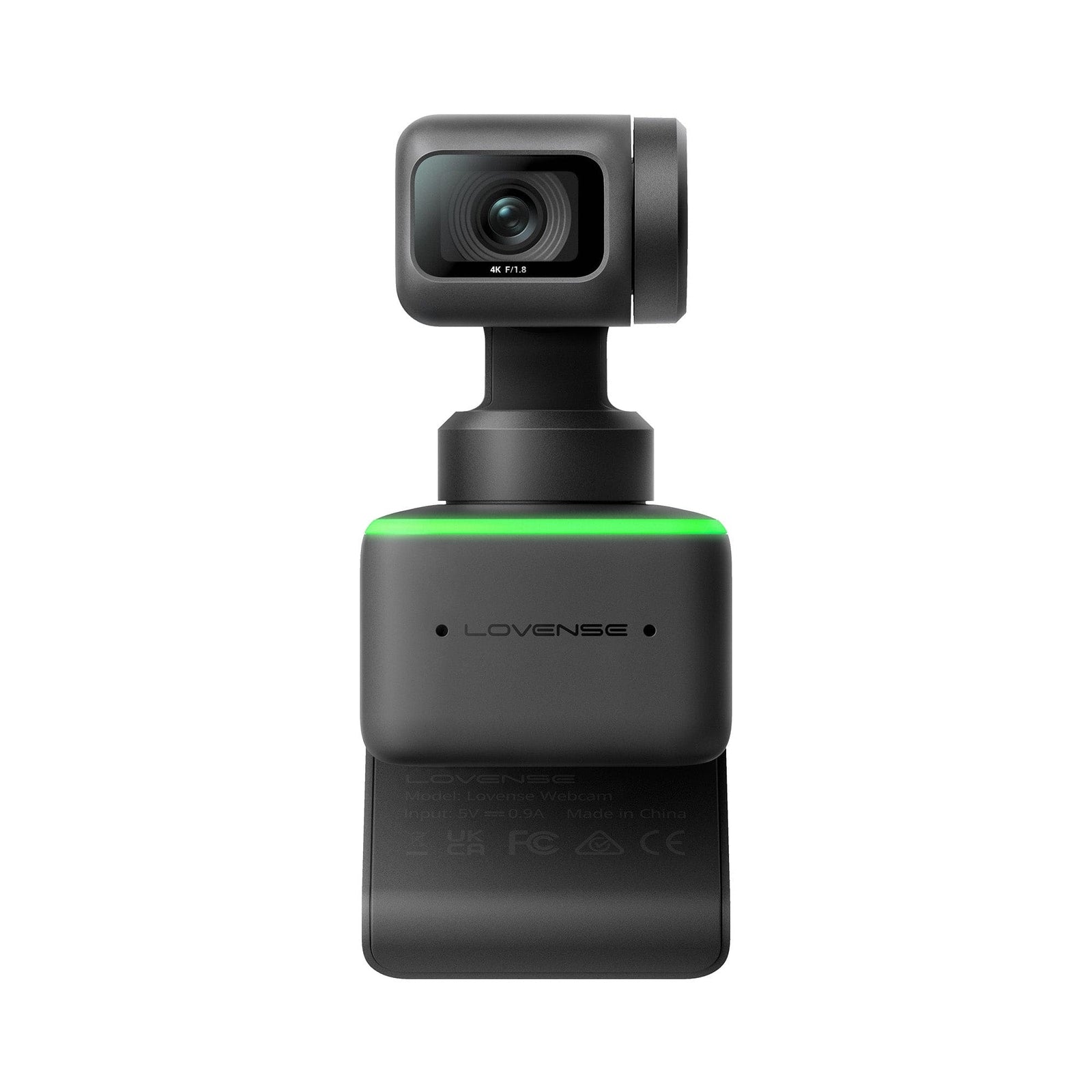


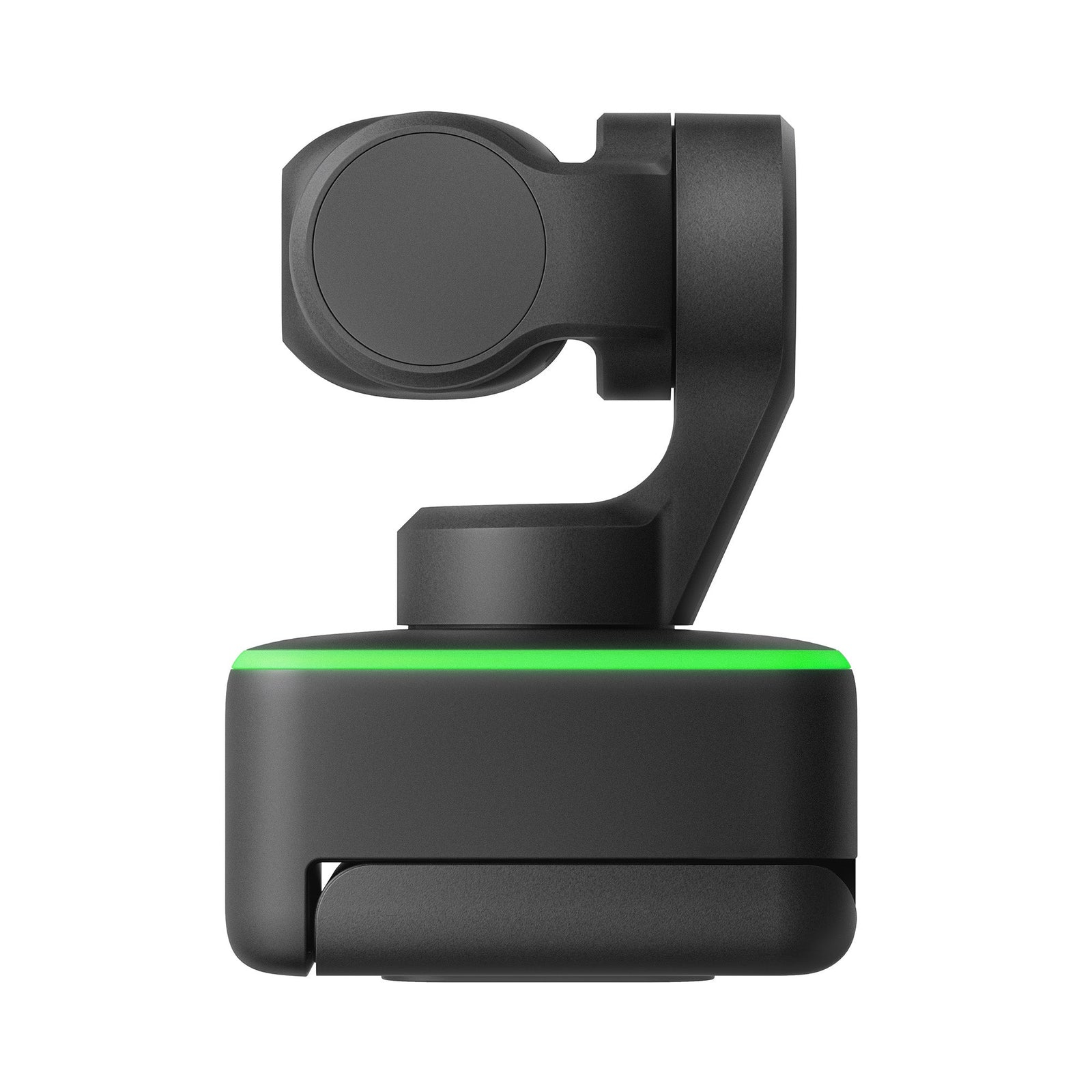


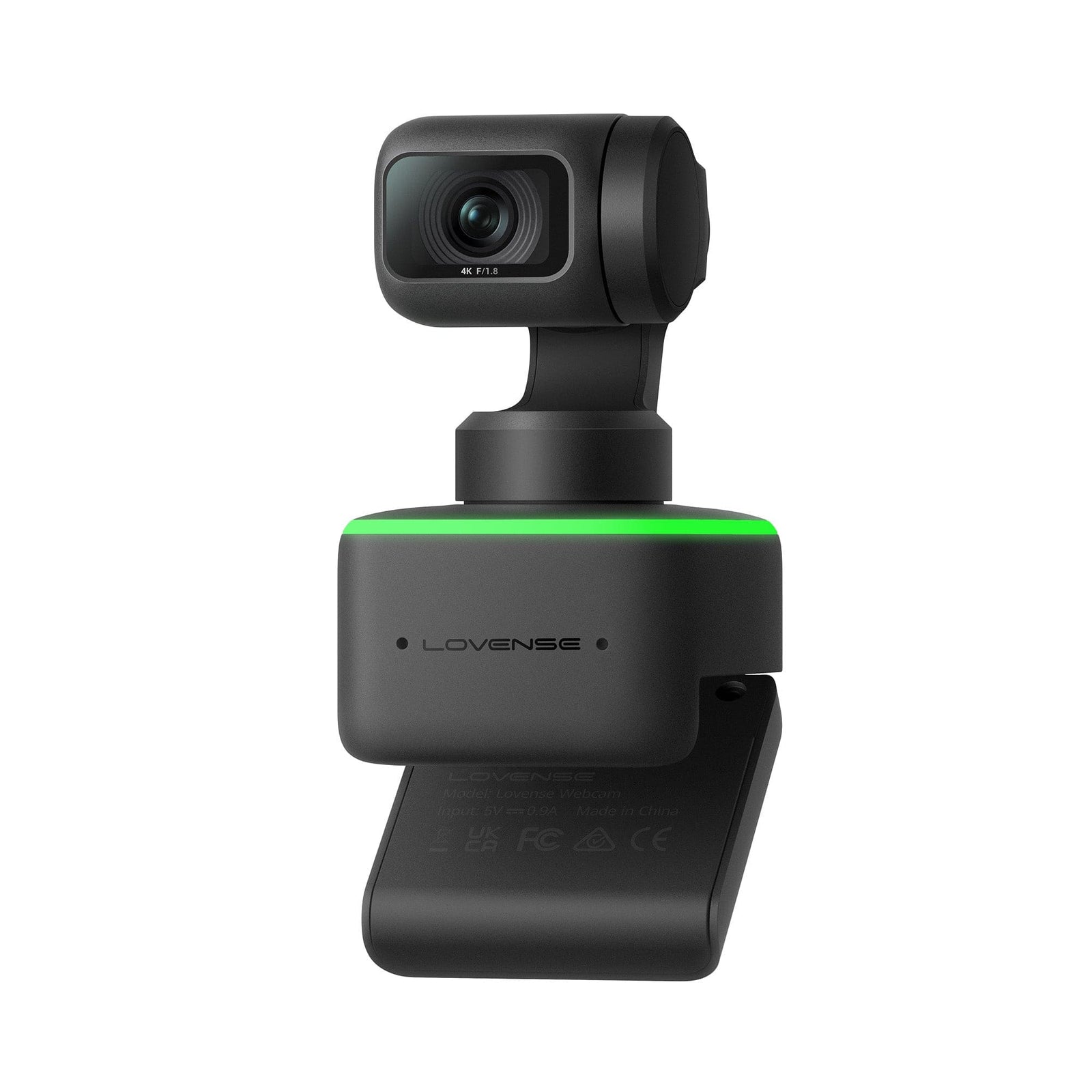


Lovense - AI Webcam
$191.21
Need help choosing?
Ask us about product details, packaging or delivery before you order.
Ask us on WhatsAppDiscreet packaging. Choose home delivery or Locker Alliance with over 1,200 pickup points. Select your delivery option in the cart.
Product Description
Meet the Lovense AI Webcam, a 4K AI-tracking streaming webcam designed for live streaming rather than body stimulation. It uses a 1/2-inch 4K sensor with F1.8 aperture and up to 3840 × 2160 video at 30 fps and adds AI auto-tracking, dual noise-cancelling microphones, up to 4× digital zoom and HDR support. The combination is tailored to creators who need clean detail, responsive framing and usable audio without assembling separate camera-control hardware.
The USB-C plug-and-play connection keeps setup direct, while portrait, desk-view and overhead presets support different shooting positions. This listing is for the camera system; no Lovense pleasure device is included.
Key Benefits
- a 1/2-inch 4K sensor with F1.8 aperture and up to 3840 × 2160 video at 30 fps
- AI auto-tracking, dual noise-cancelling microphones, up to 4× digital zoom and HDR support
How to Use
- Place the webcam on a stable monitor, tripod or mount and connect it by USB-C.
- Select the Lovense camera in the intended streaming or recording software.
- Choose portrait, desk-view or overhead framing before going live.
- Test autofocus, AI tracking, digital zoom and microphone levels with a private preview.
- Check the full background for personal information and confirm who can view the stream.
- Disable or cover the camera after the session when it is no longer needed.
Cleaning and Care
- Unplug the webcam before cleaning.
- Use a clean microfiber lens cloth on the glass; avoid abrasive tissues.
- Wipe the housing with a dry or barely damp cloth and keep liquid away from ports and microphones.
- Do not spray cleaner directly onto the camera.
- Protect the lens from scratches and direct heat during storage.
- Coil the USB-C cable loosely and inspect it before each streaming setup.
Product Questions
Is the Lovense AI Webcam suitable for beginners?
suitable for first-time streamers because it uses plug-and-play USB-C connectivity; privacy and framing should be checked before going live
What video quality does the Lovense AI Webcam support?
The exact store record lists a 1/2-inch 4K sensor, F1.8 aperture and up to 3840 × 2160 video at 30 fps.
Does it track movement automatically?
Yes. AI auto-tracking is paired with preset portrait, desk-view and overhead modes, so framing can follow the intended shooting setup.
Does the Lovense AI Webcam need separate microphones?
Not necessarily. It includes dual noise-cancelling microphones, though creators can still select an external microphone in their streaming software.
Specifications
Delivery & packaging
Your order is packed discreetly, with no product names or images on the outer packaging.
Choose home delivery or Locker Alliance with over 1,200 pickup points across Singapore. Available delivery dates, times and collection options are shown in your cart.
Is this right for me?
Choose for the way you want to use it. Check the size, material, controls and included accessories in the product details. For powered products, check charging and whether control is by buttons, a remote or an app.
Still unsure about fit, compatibility or care? Ask us about this product or read the buying guide.
Returning for a favourite? Find your previous order and check your Durio Rewards.