






Kiiroo - PowerBlow & Feel Pocket App-Controlled Suction Masturbator Combo (Black)
$109.99
Need help choosing?
Ask us about product details, packaging or delivery before you order.
Ask us on WhatsAppDiscreet packaging. Choose home delivery or Locker Alliance with over 1,200 pickup points. Select your delivery option in the cart.
Product Description
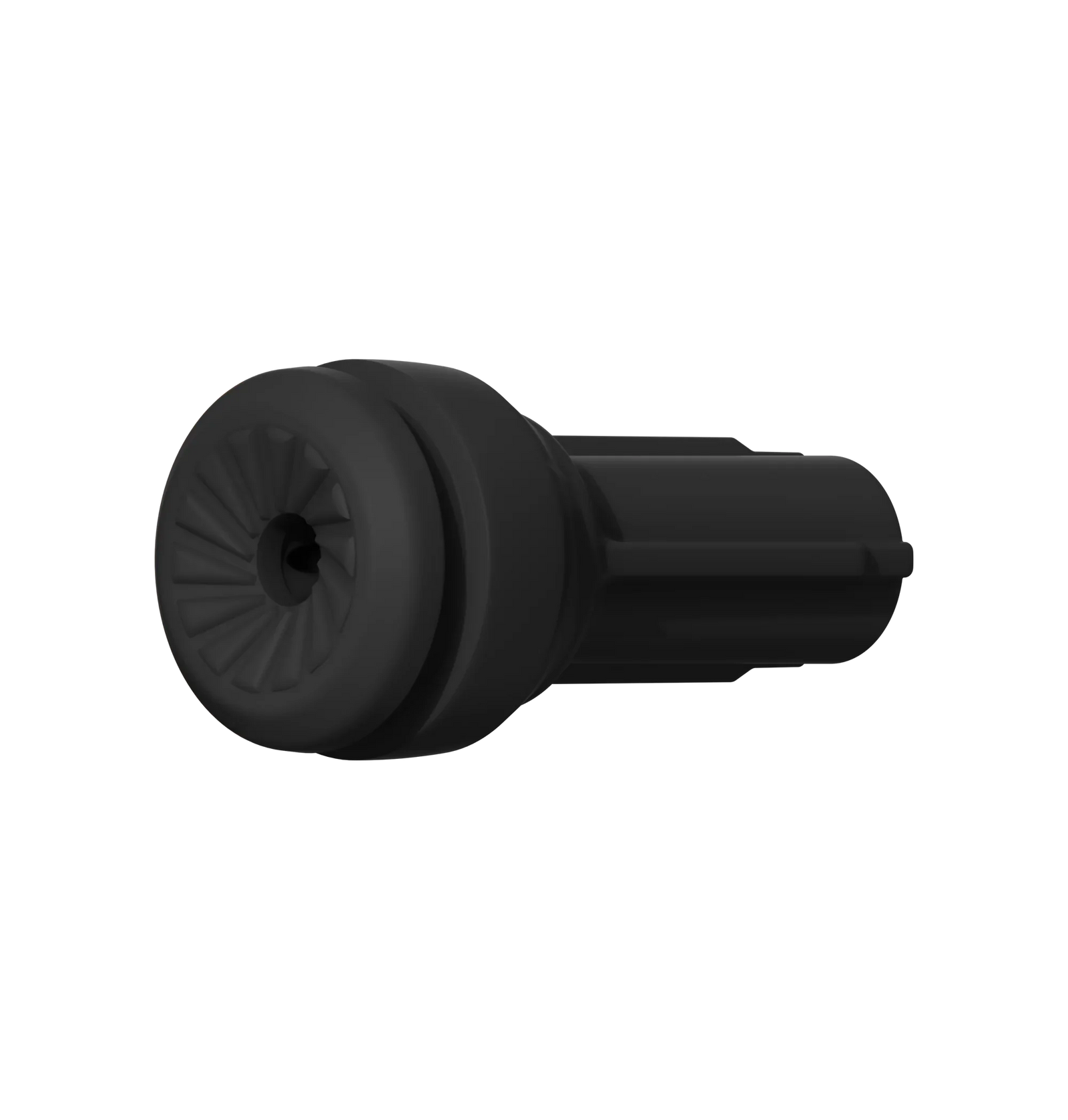
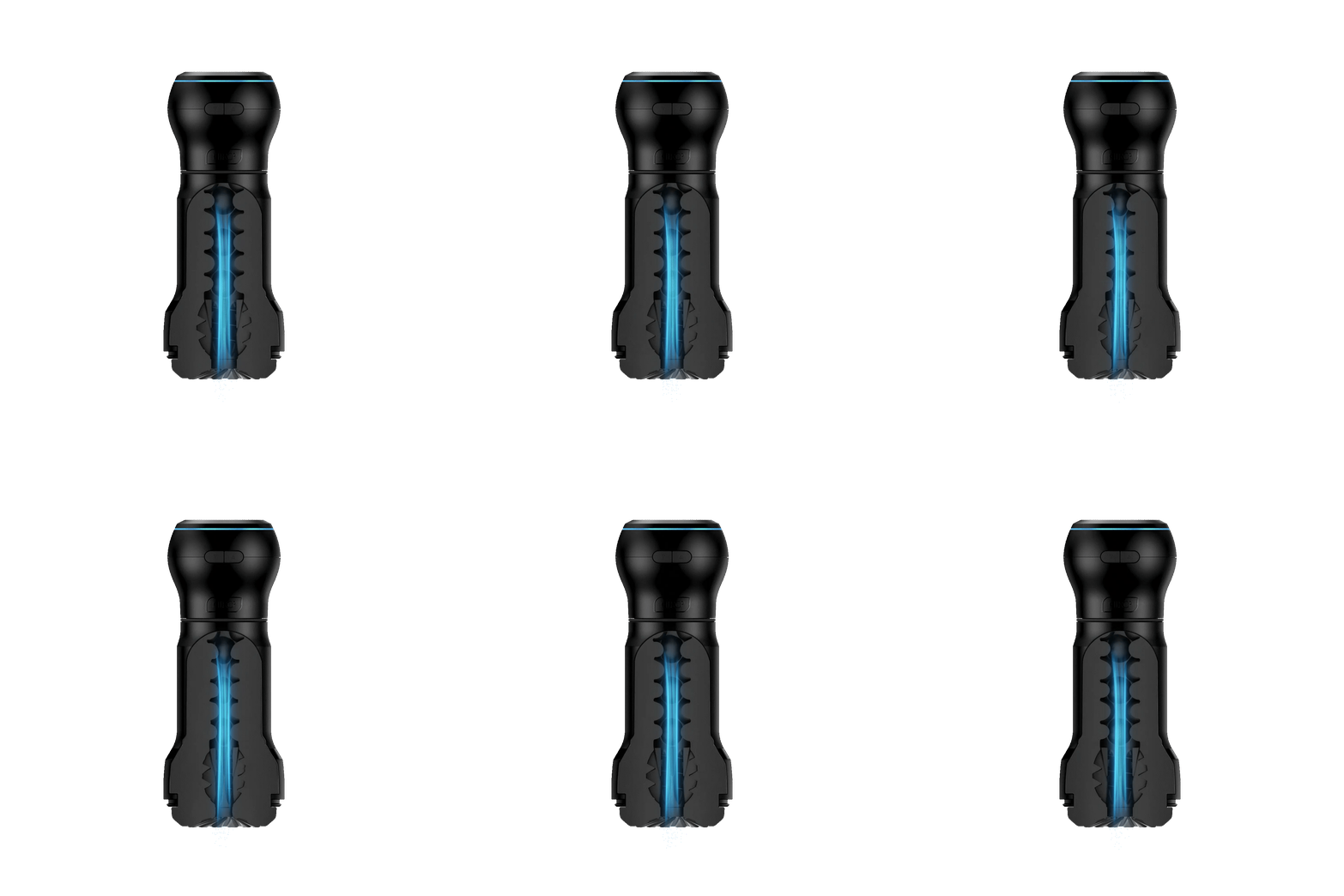
Kiiroo PowerBlow & Feel Pocket combines a rechargeable suction unit with a compact textured stroker to create a portable blowjob-style masturbator. PowerBlow draws and releases air through the sleeve to produce pulsing suction, while the Feel Pocket channel adds a twisting entrance, raised ridges and bead-like internal details.
The Feel Pocket Stroker measures approximately 164 mm long, with a 58 mm bottom cap and an 84 mm top cap. Its ABS and TPE construction gives the sleeve a structured outer format with a soft internal channel. The PowerBlow unit measures approximately 72 mm high and weighs about 198 g, keeping the assembled combination compact enough for controlled handheld use.
Use it directly with onboard controls or connect through FeelConnect for supported app, partner and interactive-content modes. This Feel Pocket combination is designed to seal without the separate PowerBlow vacuum insert. A Kiiroo Keon may be added separately if you want compatible automatic stroking as well as suction.
Why You’ll Love It
- Rechargeable PowerBlow unit creates pulsing suction through the sleeve.
- Feel Pocket channel combines a twisting entrance, ridges and bead-like textures.
- Compact all-in-one pairing designed for direct handheld use.
- Manual, automatic and FeelConnect interactive control options.
- Feel Pocket seals with PowerBlow without the separate vacuum insert.
- Compatible with the broader Kiiroo ecosystem for optional modular play.
How to Use
- Charge PowerBlow fully and inspect the sleeve, connector and seals before assembly.
- Attach Feel Pocket to PowerBlow exactly as shown in the product guide.
- Apply a generous amount of water-based lubricant to the sleeve opening and internal channel.
- Start at the lowest suction level, insert gradually and keep the controls within easy reach.
- Use the onboard modes or pair through FeelConnect for supported app and interactive functions.
- Stop the suction and release the seal before withdrawing or separating the components.
Cleaning and Care
- Detach Feel Pocket from PowerBlow before cleaning.
- Wash the removable TPE sleeve with a compatible mild cleaner and rinse away all residue.
- Keep the PowerBlow electronic housing dry; wipe it with a soft, lightly damp cloth instead of immersing it.
- Allow the internal channel, caps and connection points to dry fully before reassembly or storage.
Product Questions
Is it suitable for beginners?
Yes, if you begin with the lowest suction level and take time to learn how the sleeve seals. The app and optional ecosystem accessories are not required for a first session.
Do I need a Kiiroo Keon or the FeelConnect app?
No. The combo works as a handheld suction masturbator with onboard controls. Keon and FeelConnect add optional automatic-stroking or interactive functions.
Does this combo need the separate PowerBlow vacuum insert?
No. Kiiroo states that the Feel Pocket combination is designed to create its seal without that additional insert.
Specifications
Delivery & packaging
Your order is packed discreetly, with no product names or images on the outer packaging.
Choose home delivery or Locker Alliance with over 1,200 pickup points across Singapore. Available delivery dates, times and collection options are shown in your cart.
Is this right for me?
Choose for the way you want to use it. Check the size, material, controls and included accessories in the product details. For powered products, check charging and whether control is by buttons, a remote or an app.
Still unsure about fit, compatibility or care? Ask us about this product or read the buying guide.
Returning for a favourite? Find your previous order and check your Durio Rewards.