



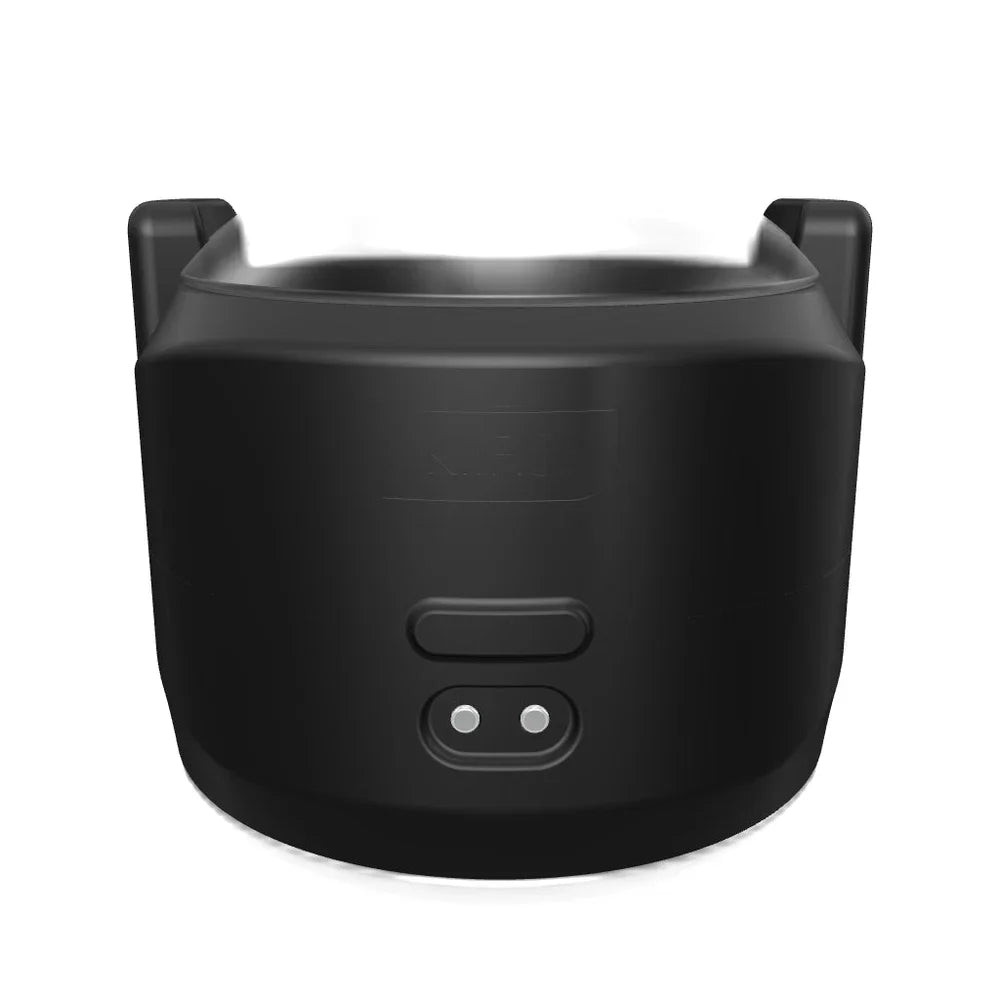


Kiiroo - PowerShot Dual-Motor App-Controlled Vibrating Stroker (Black)
$79.99
Need help choosing?
Ask us about product details, packaging or delivery before you order.
Ask us on WhatsAppDiscreet packaging. Choose home delivery or Locker Alliance with over 1,200 pickup points. Select your delivery option in the cart.
Product Description
Kiiroo PowerShot is a palm-sized vibrating stroker that combines a soft sleeve opening with two independently driven motors. The compact 80 mm-wide body is designed for focused stimulation without the bulk of a full-size automatic masturbator, while the clear inner sleeve and soft silicone shell keep the sensation close to the area being held.
Squeeze the outer shell to increase pressure around the sleeve and release it for a looser feel, giving you physical control over tightness as well as electronic control over vibration. PowerShot supports manual, automatic and FeelConnect app modes, so it can be used on its own, paired with interactive content or connected for consensual partner control.
A full charge takes approximately 1.5 hours and provides up to two hours of use. The unit is rated IPX6 for resistance to strong water jets, which supports careful surface cleaning but not soaking or submersion. For modular use with a FeelStar sleeve, Keon or PowerBlow, the separately sold PowerShot Case is required.
Why You’ll Love It
- Two independent motors create layered, focused vibration.
- Squeeze-to-tighten silicone shell lets you adjust pressure by hand.
- Manual, automatic and FeelConnect app-controlled modes.
- Compact 80 mm-wide format suited to targeted or travel-friendly use.
- Up to two hours of use from an approximately 1.5-hour charge.
- Modular compatibility with selected Kiiroo accessories when used with the PowerShot Case.
How to Use
- Charge PowerShot fully and inspect the sleeve and shell before use.
- Apply a generous amount of water-based lubricant to the opening and any permitted internal surface.
- Choose manual or automatic mode on the device, or pair it with FeelConnect for app and interactive use.
- Begin at a low intensity and insert gradually without forcing the sleeve.
- Squeeze the silicone shell gently to increase pressure, releasing it whenever you want a looser fit.
- Switch the motors off before withdrawal, removing the sleeve or fitting an accessory case.
Cleaning and Care
- Disconnect the charger and switch the device off before cleaning.
- Remove and wash the sleeve only as directed, using a cleaner compatible with its material.
- Wipe the powered body carefully; the IPX6 rating does not permit prolonged soaking or submersion.
- Dry the sleeve and device completely before reassembly, charging or storage.
Product Questions
Is it suitable for beginners?
Yes. Manual mode and squeeze-adjustable pressure make it possible to start gently, while the app and modular features can be explored later.
Do I need the FeelConnect app to use PowerShot?
No. PowerShot can be used with its onboard manual and automatic modes. The app is optional for interactive content, custom control and supported partner play.
What do I need to use it with FeelStar sleeves, Keon or PowerBlow?
You need the separately sold PowerShot Case, which adapts the compact unit for those modular Kiiroo accessories.
Specifications
Delivery & packaging
Your order is packed discreetly, with no product names or images on the outer packaging.
Choose home delivery or Locker Alliance with over 1,200 pickup points across Singapore. Available delivery dates, times and collection options are shown in your cart.
Is this right for me?
Choose for the way you want to use it. Check the size, material, controls and included accessories in the product details. For powered products, check charging and whether control is by buttons, a remote or an app.
Still unsure about fit, compatibility or care? Ask us about this product or read the buying guide.
Returning for a favourite? Find your previous order and check your Durio Rewards.